Message from your customerEspañol
0:08
 inWind WA Helper translation
Could you send us three navy blue samples? Please include the shipping cost.
inWind WA Helper
Built for cross-language WhatsApp conversations
Read foreign-language messages from your customers,
and reply in the language you know best.
Text, images, and voice notes — inWind WA Helper helps with all three.
 Chrome desktop extension
 iPhone ShortcutsAndroid app
Switch the languages to see how the conversation changes. The demo does not call a model.
Your desktop communication assistant
Translate messages and understand voice notes and images right inside WhatsApp Web. When you need to draft a reply or pull out key points, open the side panel next to the chat.
The entry point lives in the message menu you already use. The original stays where it is, and the result appears right next to it — no need to leave the current chat.
Voice transcriptionEnglishOriginalPodemos enviar el viernes. Les enviaré el número de seguimiento.
TranslationWe can ship on Friday. I'll send you the tracking number.
Synthetic message example
After you enable draft translation, prepare your reply in the input box and quickly press the spacebar three times. Review the translation, then send it yourself.
The samples have been shipped. I'll send you the tracking number shortly.
Las muestras ya se enviaron. Les enviaré el número de seguimiento en breve.
¿Podría enviarme la nueva fecha de entrega?
TranslationCould you send me the updated delivery date?
inWind WA HelperiPhone shortcut
No copy-paste and no extra app. Share text, an image, or a voice note to inWind WA Helper and see the result in a pop-up.
Set it up on your computer first, then pair it once on your iPhone.
No keys to type, and you can revoke access from your account.
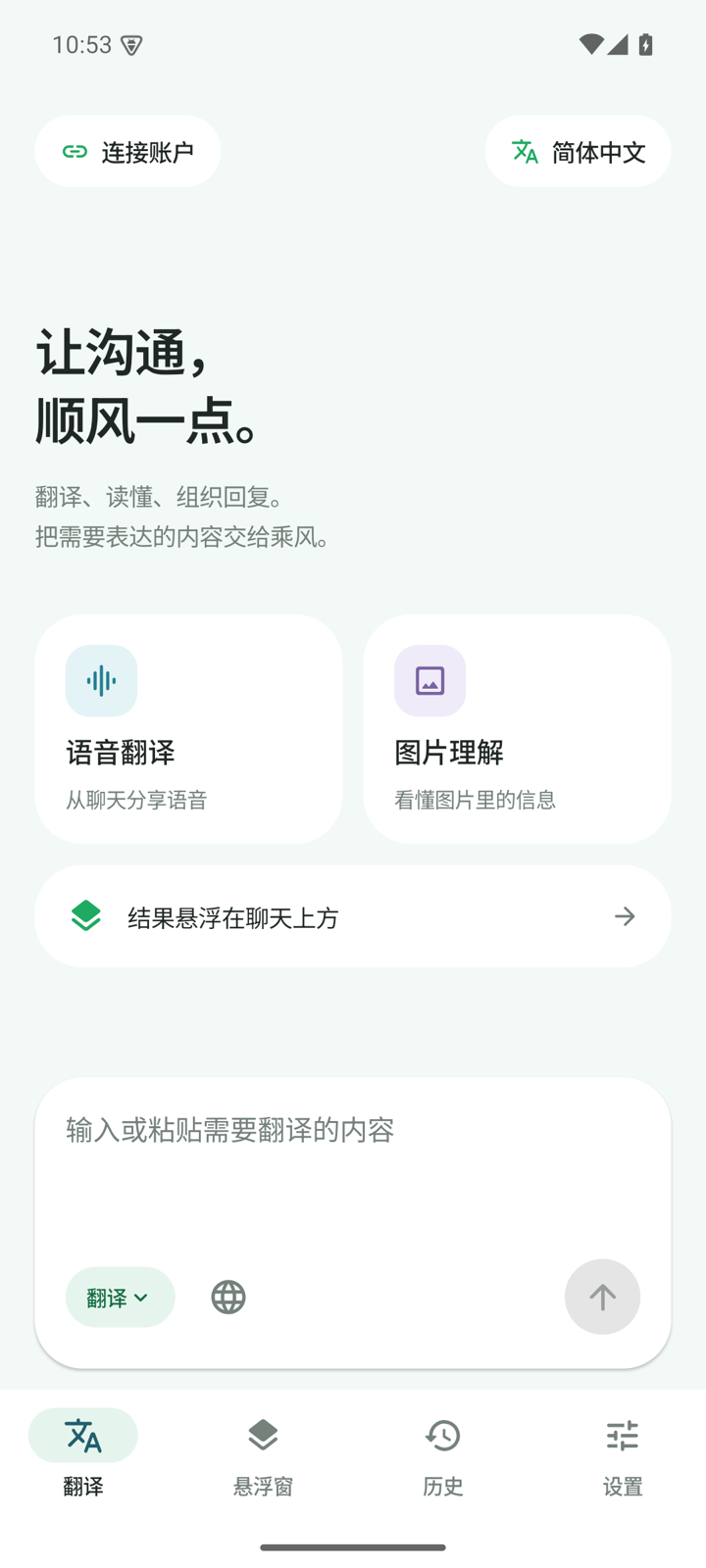
Android app
Share text, an image, or a voice note from WhatsApp, and a floating card shows the translation, image understanding, or reply suggestion. It does not interrupt the chat or scan your history.
Supports Android 8.0 and above. The first install requires allowing unknown apps.
Check for updates in Settings; downloads always use the official link.
Start with one scan
Sign in with WeChat on the official service and pay for what you use.You can also save and switch to your own AI API in the extension settings.
Open My account and scan with your phone. The first scan creates an account; returning users sign in directly.
Check your balance and charges at any time. Top-ups start at CNY 9.9 and are non-refundable; please top up only what you need.
Use the Chrome extension on desktop; on iPhone, get the shortcut and a one-time pairing link from your account page.
Works with Chrome 120+.Install from the Chrome Web StoreWe do not scan chats, contacts, or conversations in bulk. Auto-translate must be turned on and only covers visible incoming messages.
We never send WhatsApp messages for you. Check names, amounts, dates, and other important details against the original.
The official service uses your account balance; custom API keys stay in your browser. The two services are used independently.
Open inWind WA Helper, understand the message, and keep the conversation going.